Official forms, filled on the form itself
Type each answer where it prints on the official form, with a plain-English note beside every box. Then download the PDF and hand it in.
- Built from the agencies’ own published files
- A note beside every box, based on the official instructions
- Saved as you type, to your own draft
- Sign on screen where the form allows it, or in ink after printing
Pick your form
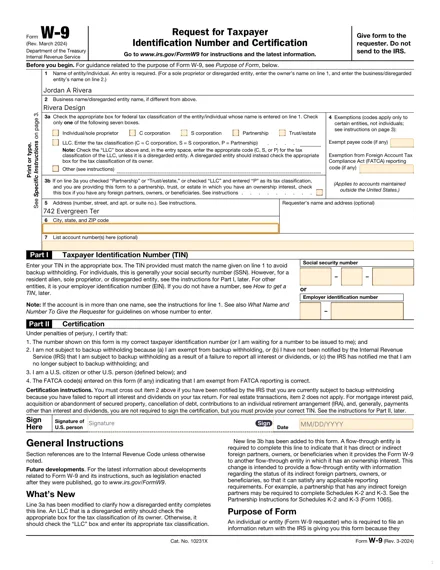 IRS · March 2024 revision
W‑9
Provide your taxpayer information to the person or business requesting it. Type straight onto the official W‑9, with the guidance for each box beside the form.
See the form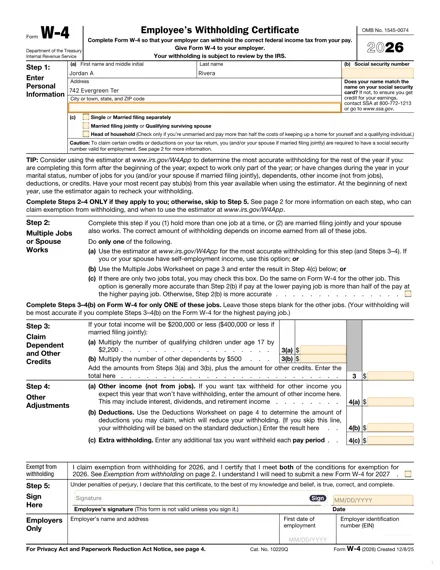 IRS · Tax year 2026
W‑4
Enter your withholding choices on the official 2026 form. Keep the instructions and all worksheets close while you work.
See the form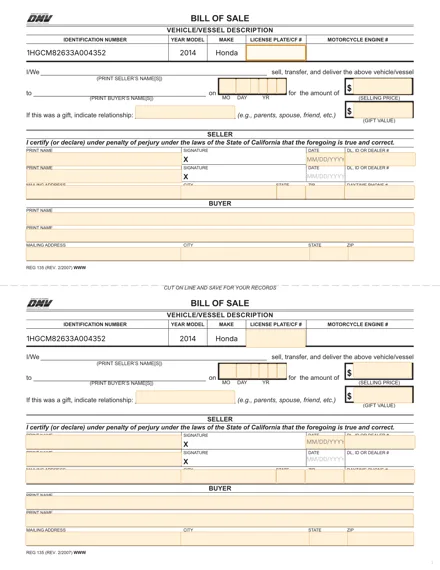 California DMV · REG 135
California Bill of Sale
Prepare the official REG 135 for a private car sale or gift. Enter the details once and keep both copies consistent.
See the formFor any other PDF: fill it in and sign it in the PDF editor.
From blank form to your next step
- STEP 1
Fill in directly on the form
Type your answers where they print, with a short note beside every field.
- STEP 2
Sign, or leave the line for ink
Sign on screen where the form allows it, or mark it to be signed by hand after printing.
- STEP 3
Download and hand it in
Get your PDF, print it if you need to, and give it to whoever asked for it.
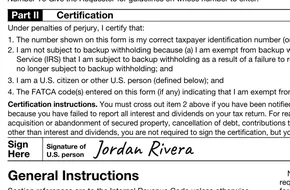
Official, protected, in your hands
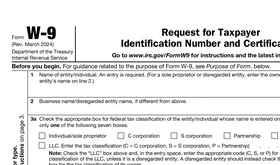
The official form
Built from the files the IRS and the California DMV publish. Your answers go into the forms’ own boxes.
Protected, then deleted
Your answers go to your own draft over an encrypted connection. A guest draft is deleted 24 hours after it’s created; with an account, 30 days after you last use it.
You stay in control
We help you fill it in. You choose where it goes and hand it in yourself — nothing is sent on your behalf. Delete your draft whenever you like.
A few things to know
Quick answers to the questions people ask most.
Are these the official forms?
Yes. Each one is built from the agency’s own published file: Form W-9 (Rev. March 2024) and the 2026 Form W-4 from the IRS, and REG 135 (Rev. 2/2007) from the California DMV. Your answers go into the form’s own boxes.
Will you submit the form for me?
No. You download the PDF and give it to whoever asked for it — your requester or your employer. The California bill of sale is printed for the sellers to sign in ink. Any filing or title transfer stays with you.
Can I sign on screen?
On the W-9 and the W-4, yes — type, draw or upload a signature, or leave the line for ink. The California bill of sale is printed and signed by the sellers in ink.
What happens to my draft?
Your answers save to your own draft on our servers as you type, over an encrypted connection. A guest draft is deleted 24 hours after it’s created, an account draft 30 days after you last use it, and you can delete it yourself at any time.
Are you part of the IRS or the DMV?
No. Eliten is a private company (Applabel LTD, Cyprus, EU) and is not affiliated with the IRS, the California DMV or any other government agency.
Who is behind Eliten Forms
A private company, not a government site.
Applabel LTD, Cyprus (EU)
The company that runs eliten.ai, registered in Cyprus. The EU’s data protection rules (GDPR) apply.
Not affiliated with any agency
We are not the IRS or the California DMV. The forms are built from the files they publish.
Questions? Write to us
About a form or your draft: eliten@support-team.app
Privacy and Terms
How we handle your data, in full: Privacy Policy · Terms of Use
Pick your form and start on the official file.
Every box has its note beside it. Download the PDF when you’re done.